


How to Download your Aadhar Card using your Aadhar Number?
You can download your Aadhaar card using your Aadhaar number by requesting an OTP on the UIDAI website and downloading the e-Aadhaar PDF. The download is free, and the OTP is sent to the mobile number registered with UIDAI. Follow the steps below to download your Aadhaar card using your Aadhaar number.
Step 1: Open the official website of Unique Identification Authority of India (UIDAI)
Step 2: Click the 'My Aadhaar' option on the home page menu.
Step 3: Next, click the 'Download or Order Card' option and then click on the 'Download Aadhaar' option.
Step 4: You will be redirected to a new web page.
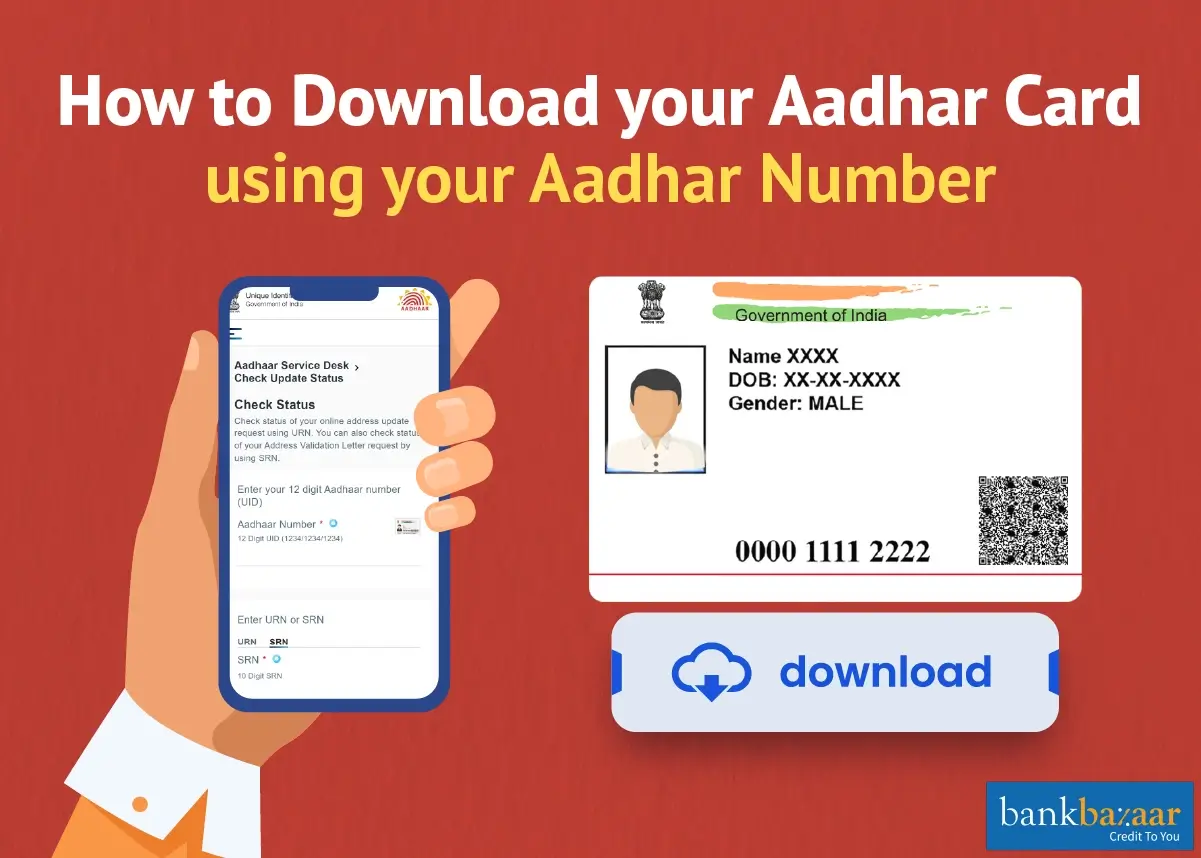
Step 5: On the new page, click on the 'Aadhaar Number' option and enter your 12-digit Aadhaar number.
Step 6: If you want your Aadhaar card with masked digits, i.e., if you do not want the Aadhaar card to show all the digits of your UID number, click the box against 'I want a masked Aadhaar' option.
Step 7: In the field provided for the Captcha verification, type the Captcha code and click on the 'Send OTP' button.
Step 8: A One Time Password (OTP) will be sent to your mobile number which is registered with the UIDAI.
Step 9: Enter the OTP in the field provided and click on the 'Verify and Download' button.
Step 10: Once the OTP is verified, the e-Aadhaar will be downloaded.
Your downloaded e-Aadhaar is a password-protected PDF. The password is the first four letters of your name in capital letters followed by your year of birth in YYYY format, for example, SURE1990 for Suresh Kumar born in 1990.
To open the e-Aadhaar PDF and validate its digital signature, use the latest version of Adobe Acrobat Reader.
Summary
You can download your Aadhaar card using your Aadhaar number from the UIDAI website by verifying an OTP sent to your registered mobile number. The e-Aadhaar PDF is free to download, password protected and as valid as the physical card. If you do not remember your Aadhaar number, you can use your Enrolment ID or Virtual ID instead.
Disclaimer
FAQs on How to Download your Aadhar Card using your Aadhar Number
1.What is VID or Virtual ID?
VID or Aadhaar Virtual ID is a 16-digit revocable random number mapped with your Aadhaar number. Virtual ID can be used in place of an Aadhaar number for authentication or e-KYC. It helps avoid misuse of an Aadhaar number and other details.
2. How can I see my Aadhar card?
You can see your Aadhaar card by downloading your e-Aadhaar PDF from the UIDAI website using your Aadhaar number, Virtual ID or Enrolment ID. You can also check the status of Aadhaar by clicking on “Check Aadhaar Status”.
3.Till, when is my downloaded Aadhar card valid?
Once the UID download (Aadhaar Card) is done, it is valid for the entire life.
4.Is it possible to download e-Aadhar using Virtual ID and Enrolment ID?
In case you have forgotten your Aadhaar number, you can download your e-Aadhaar card using Enrolment ID and Virtual ID.
5.Can I download my Aadhar card using the last 4-digits?
You cannot enter just the last four digits on the e-Aadhaar download page, which asks for your complete Aadhaar number, Virtual ID, Enrolment ID or SID. The last four digits are used only in the UIDAI SMS service, where a message sent from your registered mobile number can retrieve or generate your Virtual ID. You can then use that Virtual ID to download your e-Aadhaar.
6.Can we download Aadhar PDF?
Yes, you can download your Aadhaar Card online from the UIDAI website using your Aadhaar number, Virtual ID or Enrolment ID.. Once you download the E-Aadhaar, you will notice that it is a PDF file. This PDF file is password protected and the password is the first four letters of your name in capital letters followed by your year of birth in YYYY format.
7.Can I find my Aadhar number by mobile number?
If you would like to retrieve Aadhaar / EID, you need to mention the Name, Date of Birth, registered Mobile number or e-mail id followed by entry of Captcha code. Enter "Send OTP". If your mobile number is registered, you will get the OTP on your registered mobile number. Enter OTP to retrieve your Aadhaar /EID number.

Sucharita Mishra has been associated with BankBazaar for more than 2 years as Senior Content Writer for Online marketing team. With a background in biotechnology, she decided to pursue her passion for writing after finishing her master's studies. In her free time, she enjoys taking a walk, reading mystery novels, and watching cozy British dramas. Her life's motto has been 'It is what it is'.

Disclaimer
Credit Card:
Credit Score:
Personal Loan:
Home Loan:
Fixed Deposit:


Copyright © 2026 BankBazaar.com.